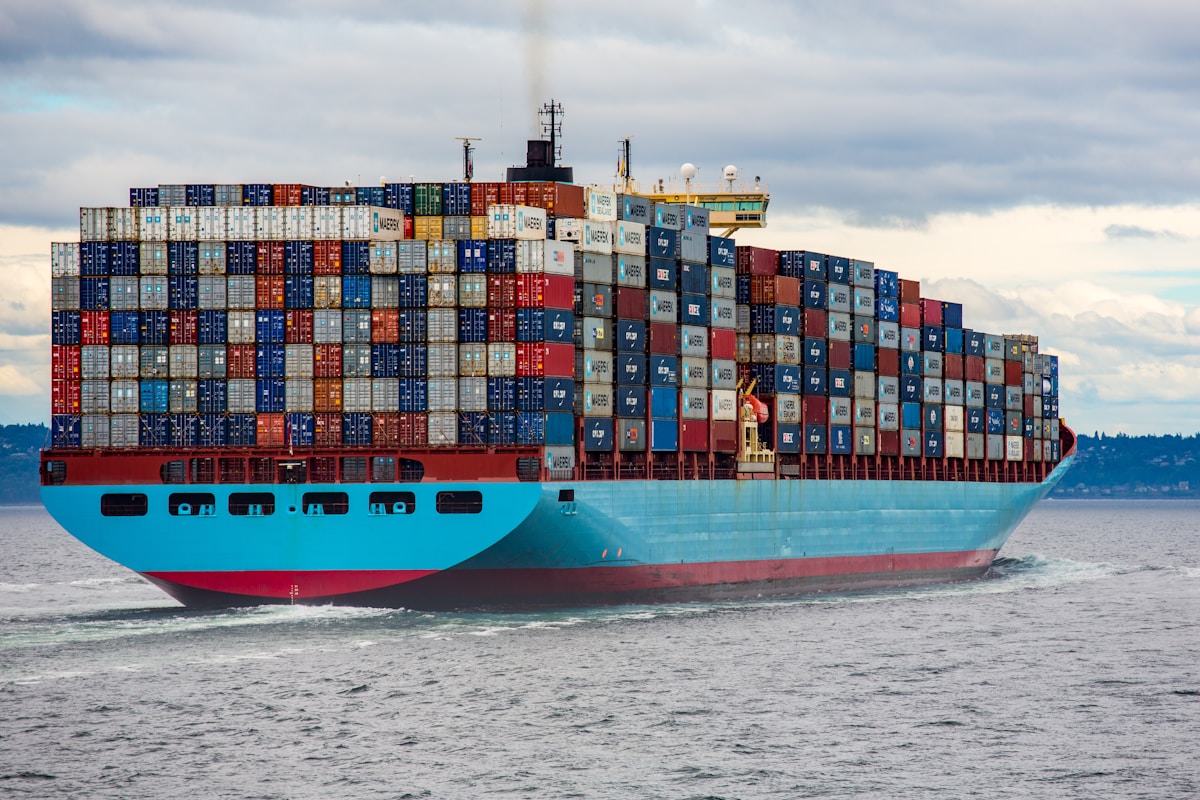
Containers Explained
Docker revolutionized how we deploy applications. Kubernetes takes it to the next level.
Why Docker?
Containers package your app with all its dependencies, ensuring it runs the same everywhere.
Why Kubernetes?
Managing containers at scale requires orchestration. Kubernetes automates deployment, scaling, and management.
Getting Started
- Install Docker Desktop
- Create a Dockerfile
- Build and run your first container
- Learn kubectl basics
Start small. You don't need a full Kubernetes cluster for your first project.